 Rally Tally Rally Tally
Track every match across the season, follow the team from the stands, or just keep score. A tap or two logs the point, and parents can follow along live.
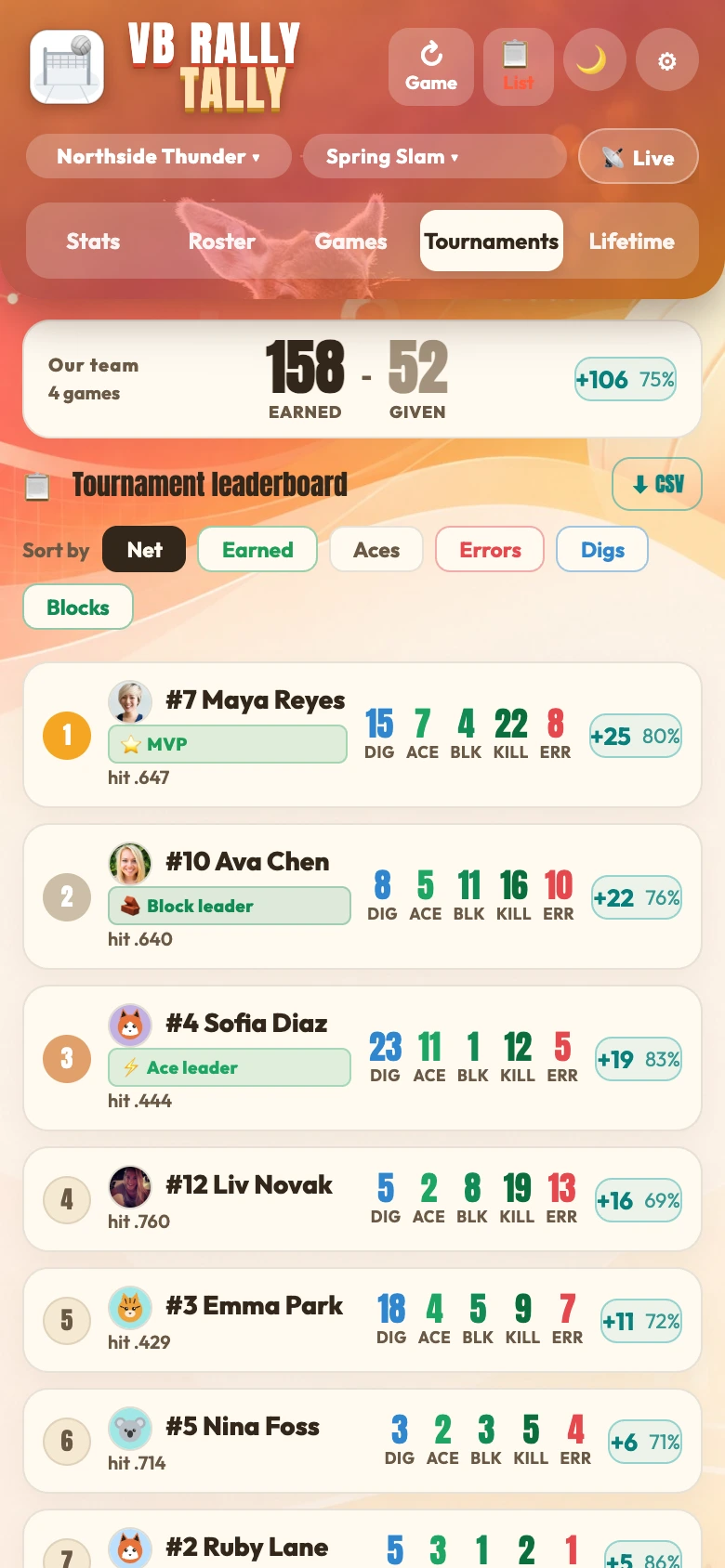
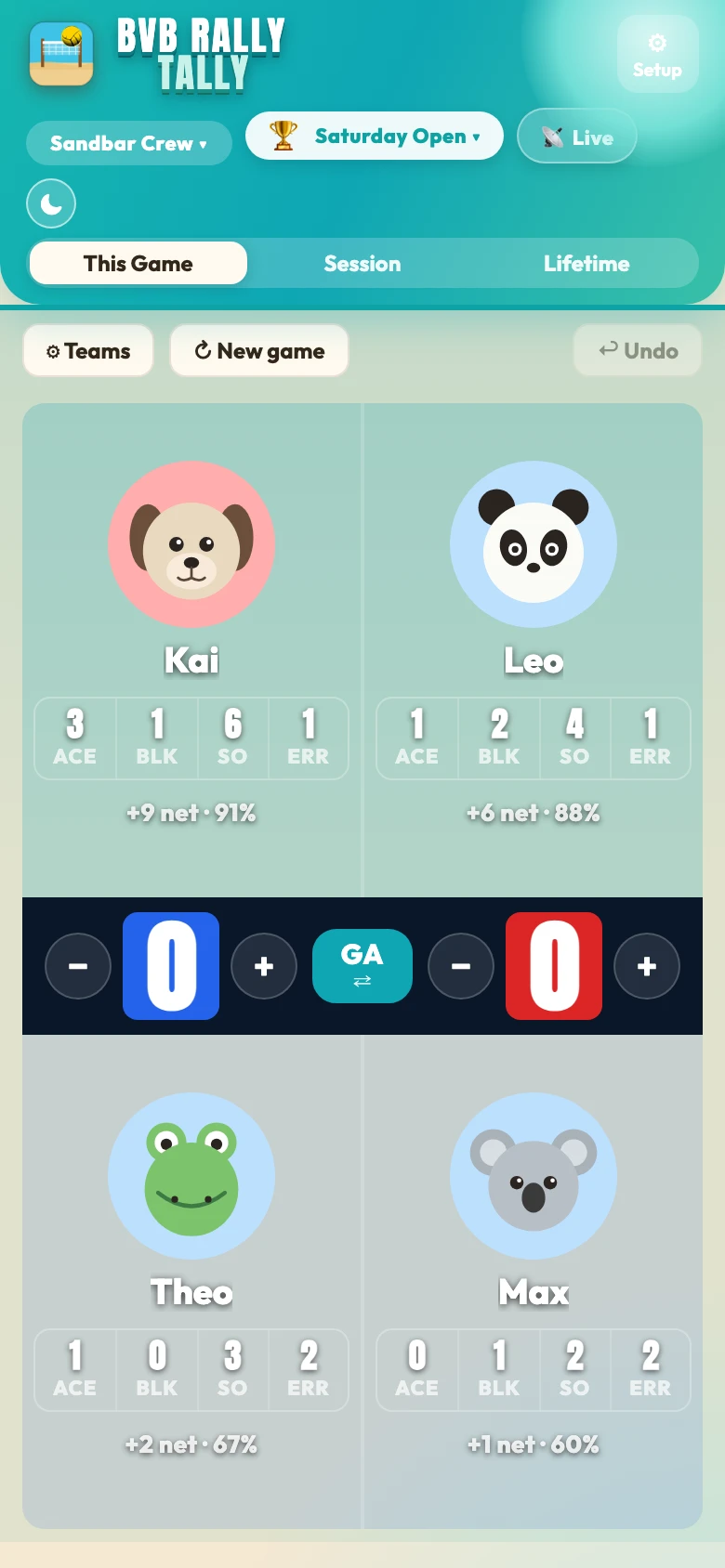
Stat keeping that keeps up with the game. No menus, no scrolling, no looking down while the point is happening. Your thumb already knows where to go.
Every role gets what they need, right from the same app.
On your side of the net, two things are yours to control: the points you earn (an ace, a block, a kill, or a side-out on the beach) and the points you give away with an unforced error. Everything else, like the other team's mistakes, isn't yours to claim, so Rally Tally doesn't count it. It tracks only what you can change: maximize what you earn, minimize what you give away.
It's one simple number. Add up the points you earn, subtract the points you give away, and you get your Net Earned: an honest measure of how your side played. Coaches will recognise it as a player-level take on plus/minus: count what your side does, and ignore everything you can't control.
Hitting efficiency (kills minus errors, over attempts) leads the board: just ahead of kills per set. That top stat is the Earned-minus-Given idea, expressed as a percentage.
Source: John Forman, coachingvb.com, "Correlations to league success" (2020).
The stat keeper taps Go live and shares a link. You open it in Safari and follow every point in real time: no app download, no account, no code to type.
More than a one-game link: search the team directory by name, ask the stat keeper for access, and once you're approved the team lives in your app. See the roster, every game, and lifetime stats whenever you want, even with no signal at the gym.
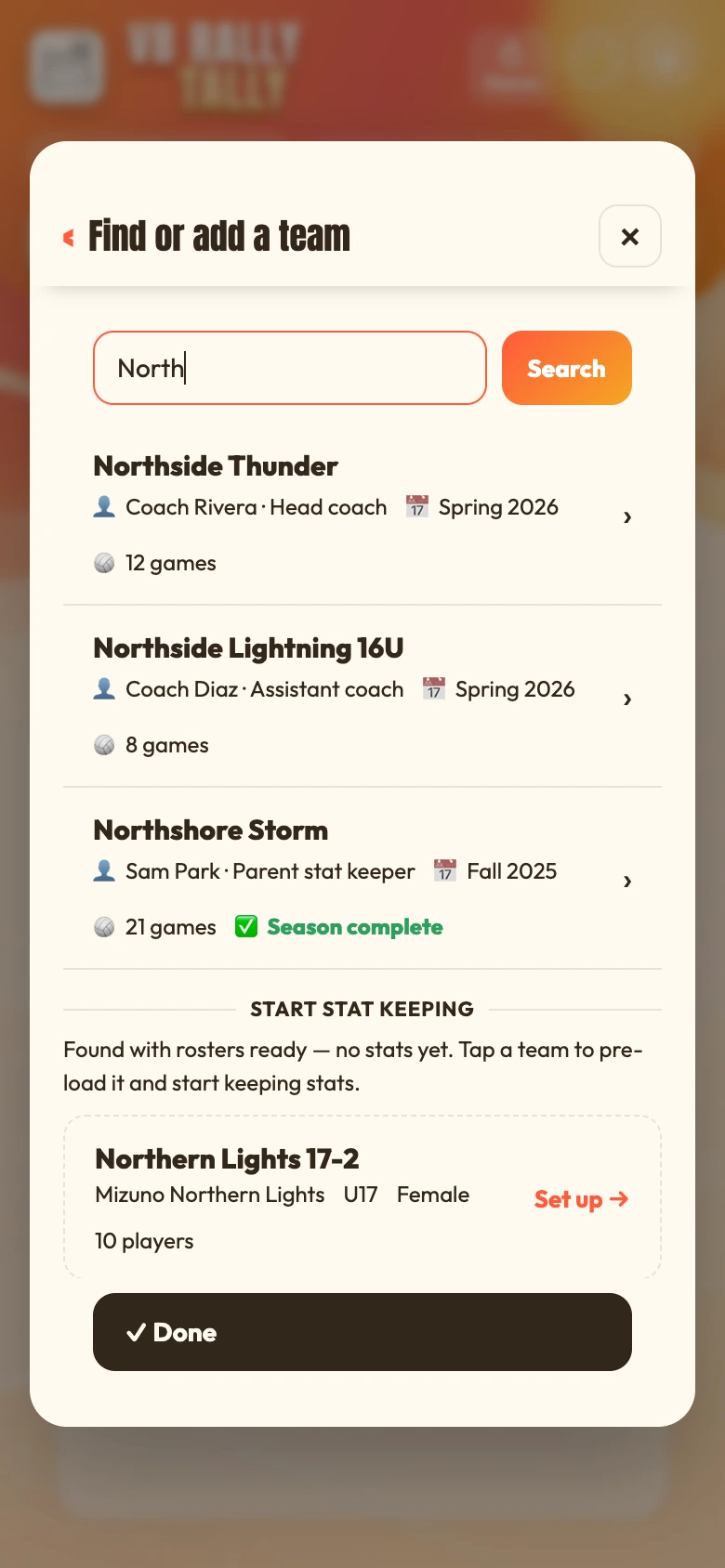
Tap a shared link to follow one live game in your browser. No app, no account. Great for grandparents and friends during the match.
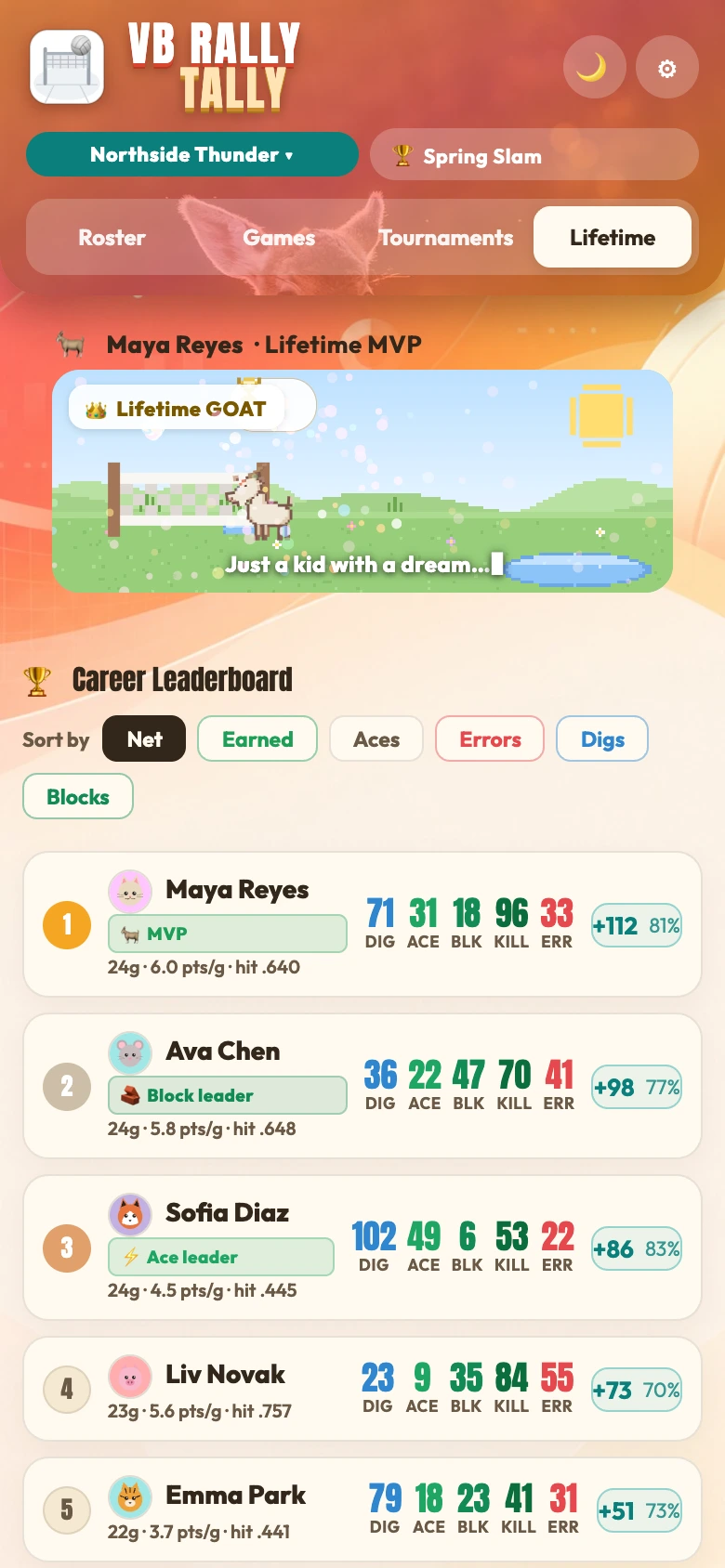
Keep the team in your app all season with full game history and lifetime stats, gated by the stat keeper's approval. Great for parents.
Fast, honest stats at the core, with touches that make tracking more useful.
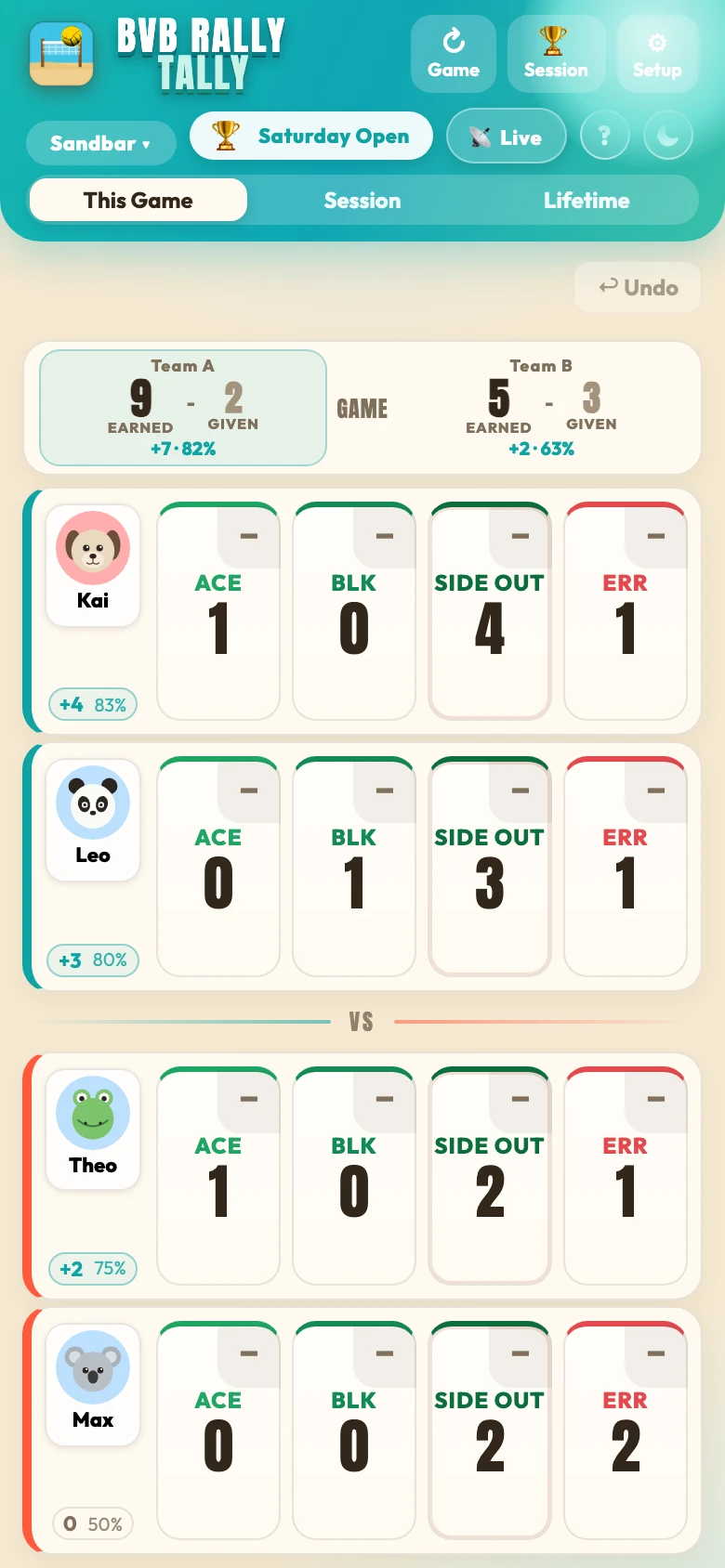
The primary number you control: earned (aces, blocks, kills / side-outs) minus given (errors). Net Earned and success % always visible, no digging required.
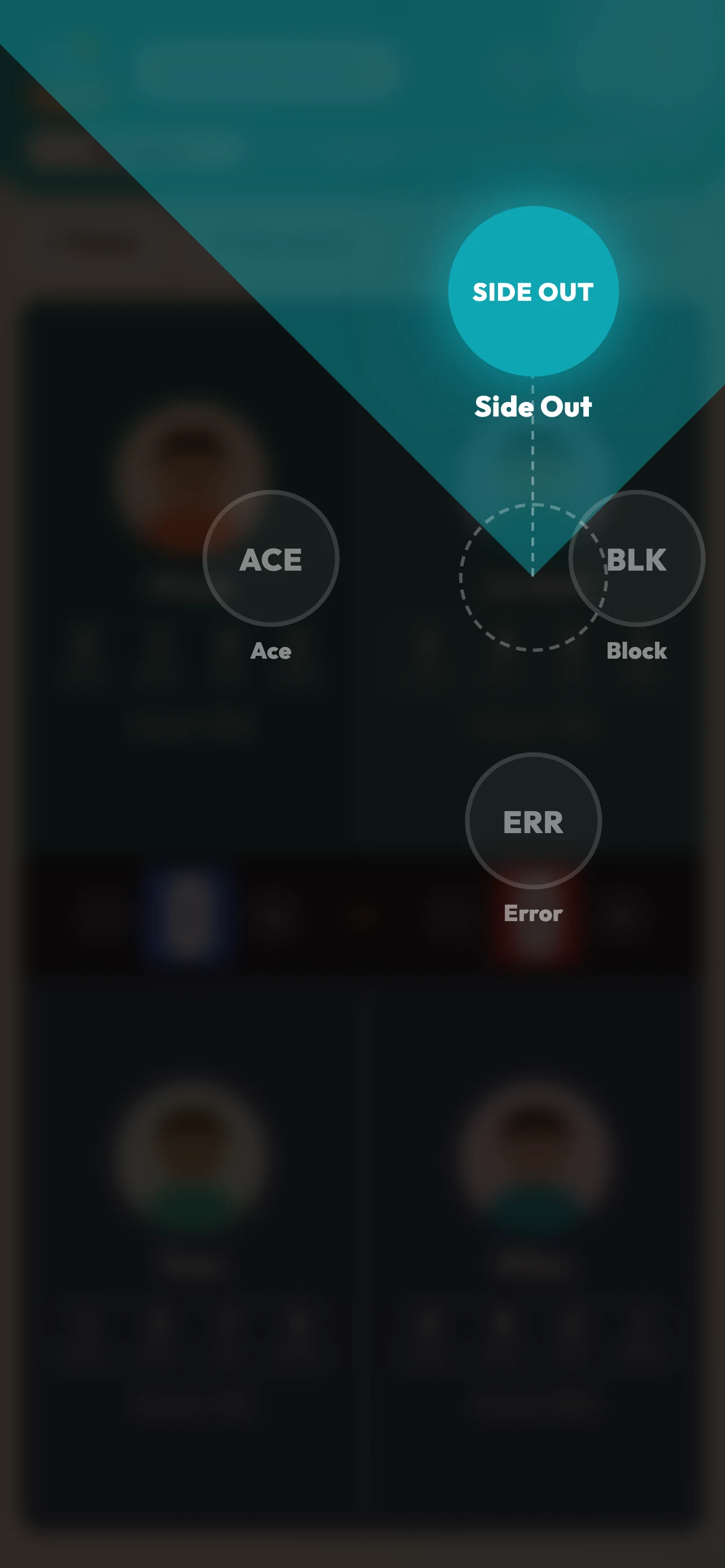
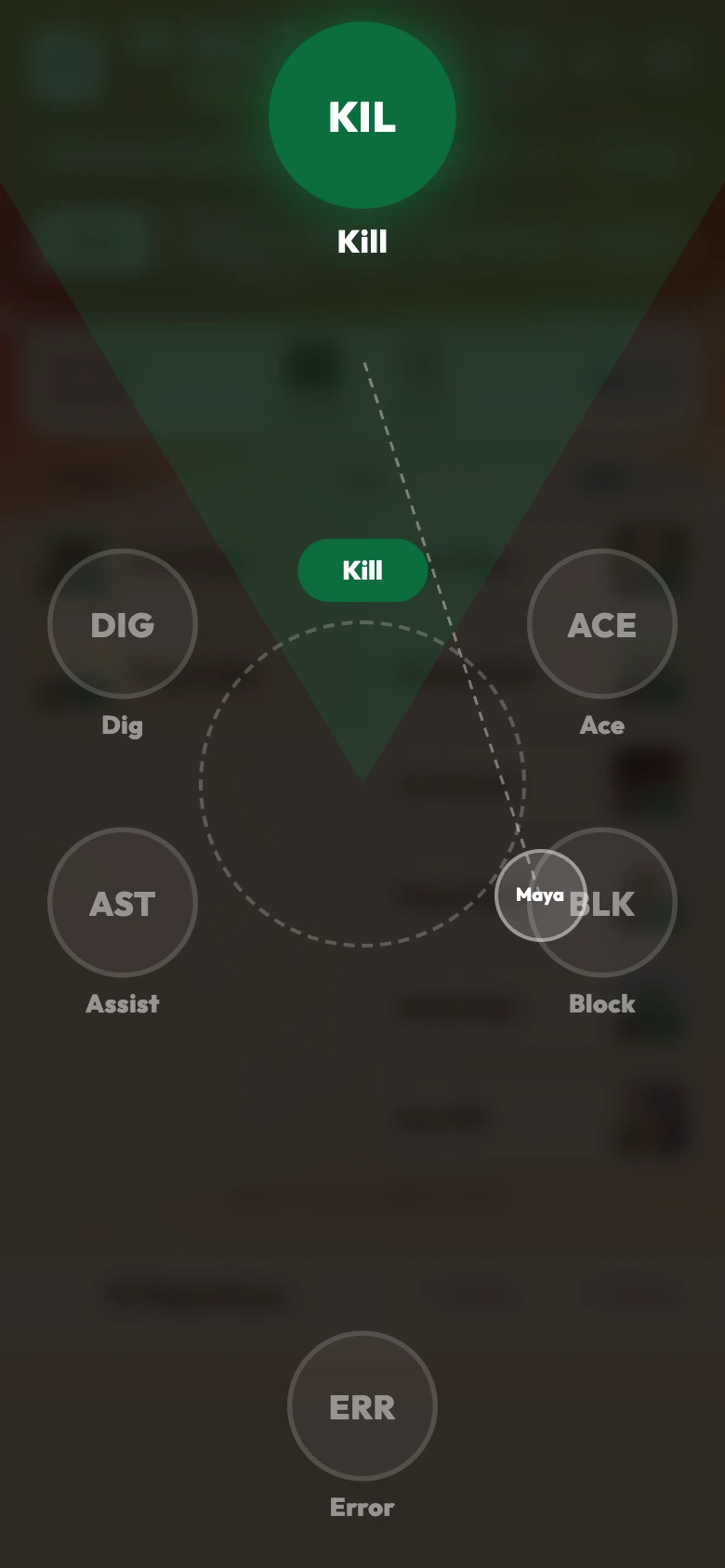
Hold a player and flick toward the stat — the radial wheel blooms right under your thumb so your eyes never leave the court. Undo or redo any entry instantly.
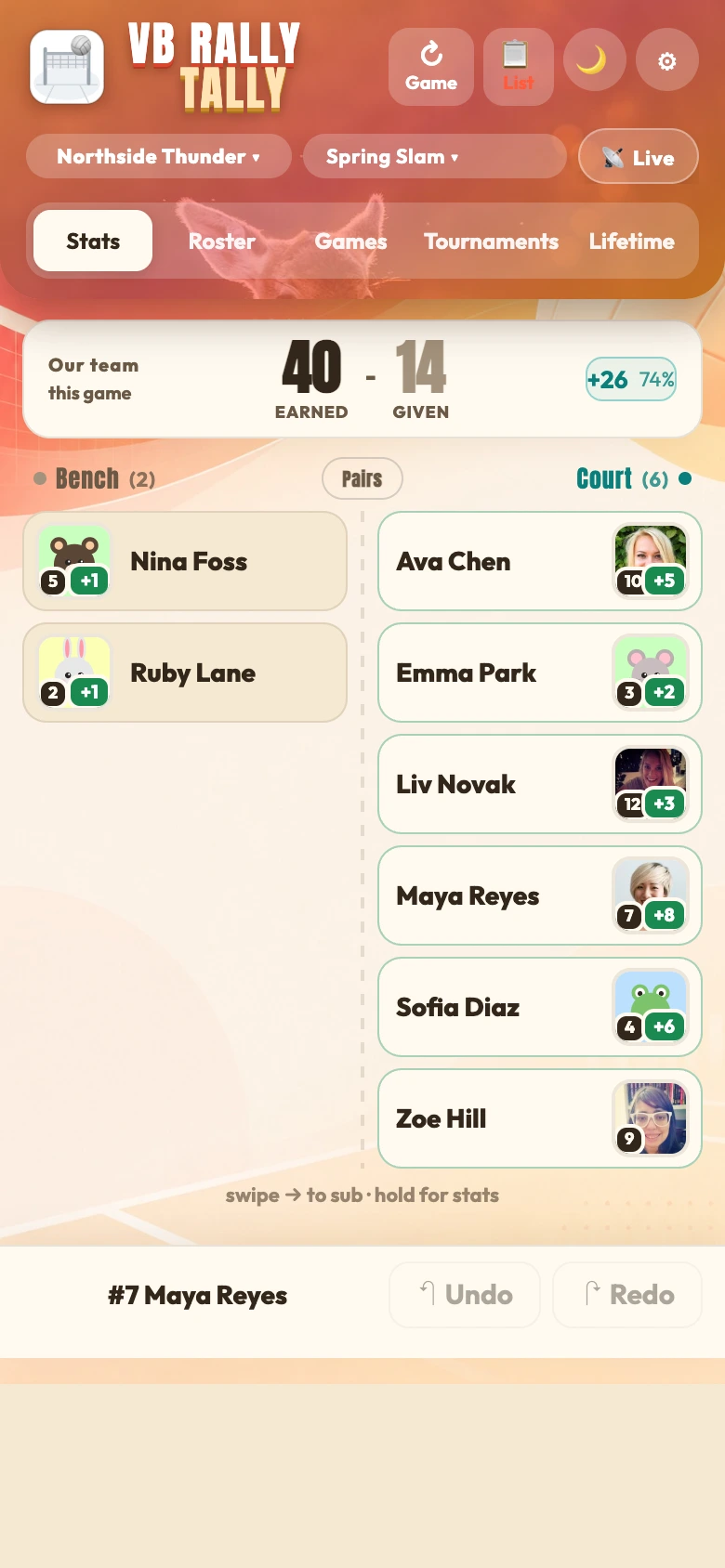
Add a face to each player: photos appear on the scoring rail, leaderboard, and player cards. No photo? Jersey numbers fill in automatically. Large wallpaper tiles put action shots right on the bench.
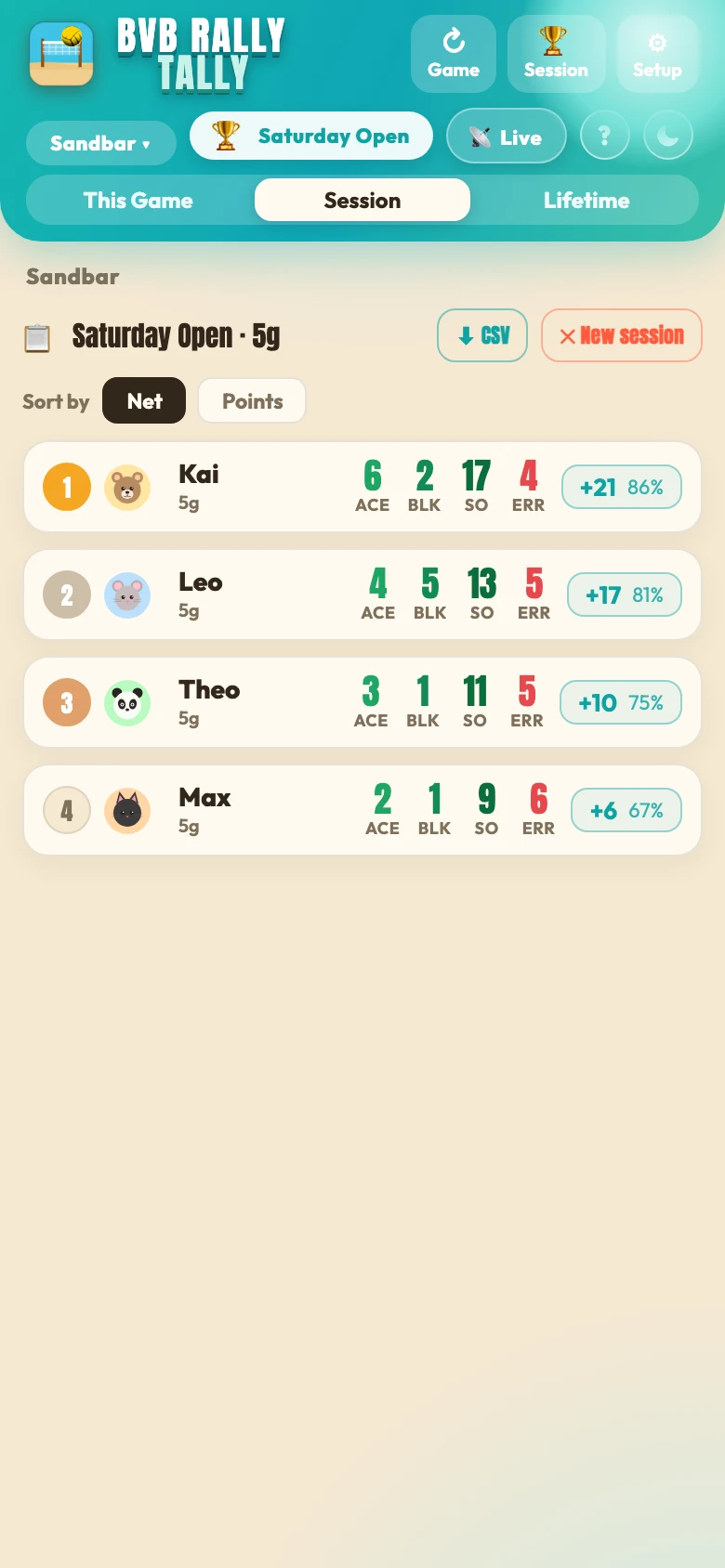
Per-player leaderboards across a single game, a whole tournament, and each player's entire career. Tap any player to see their game-by-game history and how their Net Earned is trending.
A 🐐 GOAT badge hops to your current Net Earned leader so whoever's carrying the team is always obvious. The ace leader gets their own critter too. Top the lifetime board for a little surprise.
Works fully offline: your stats stay on your device. Optional Google or Apple sign-in adds cloud backup and syncs across your phones, and never overwrites a device by surprise. No ads, no tracking.
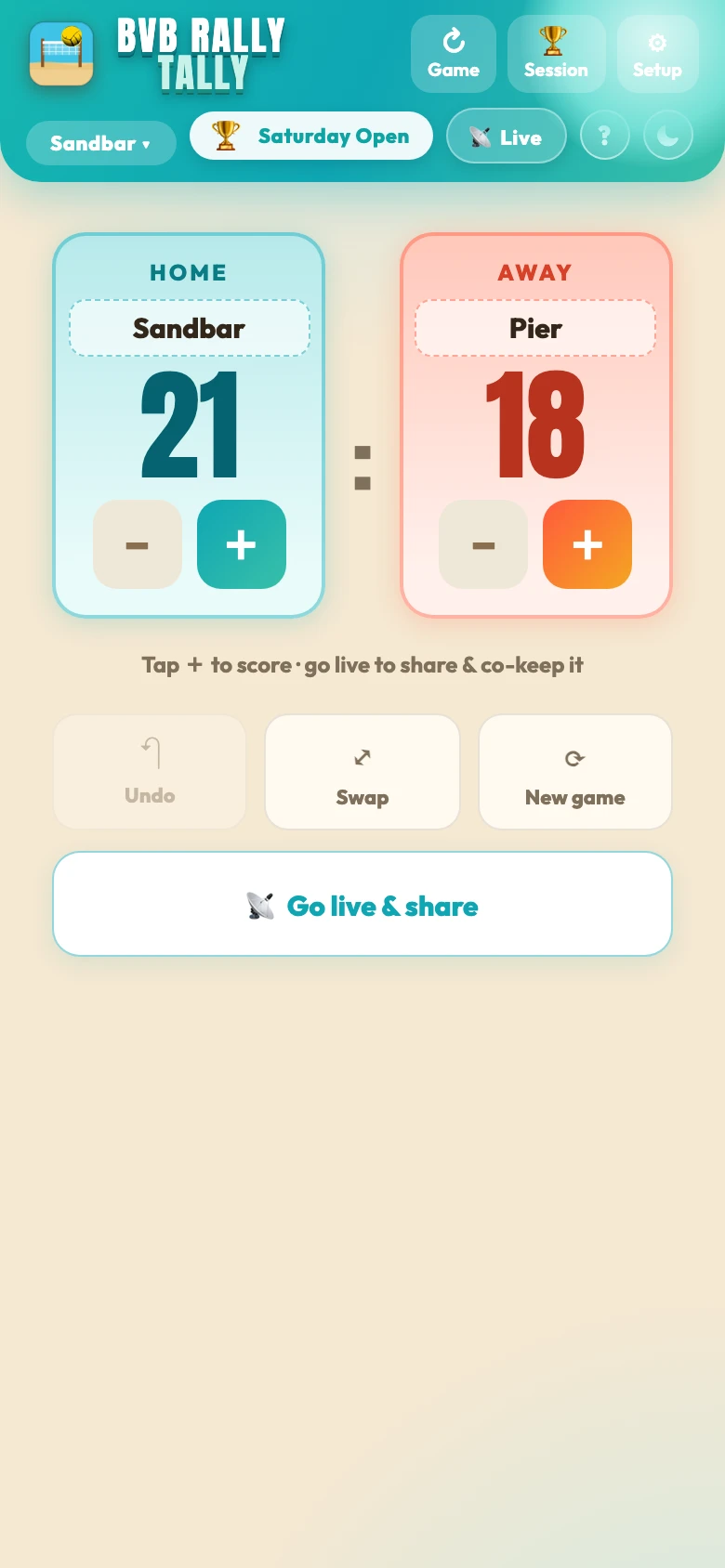
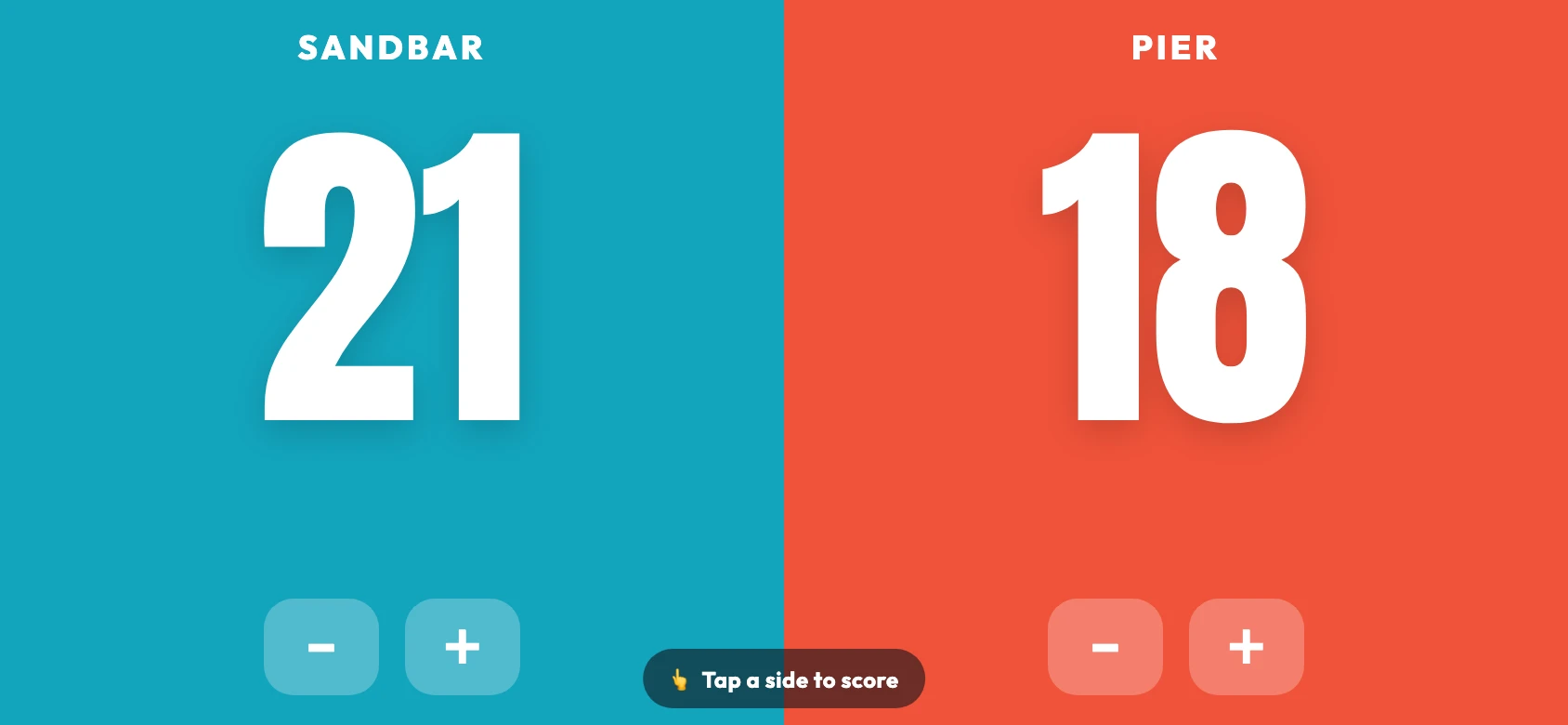
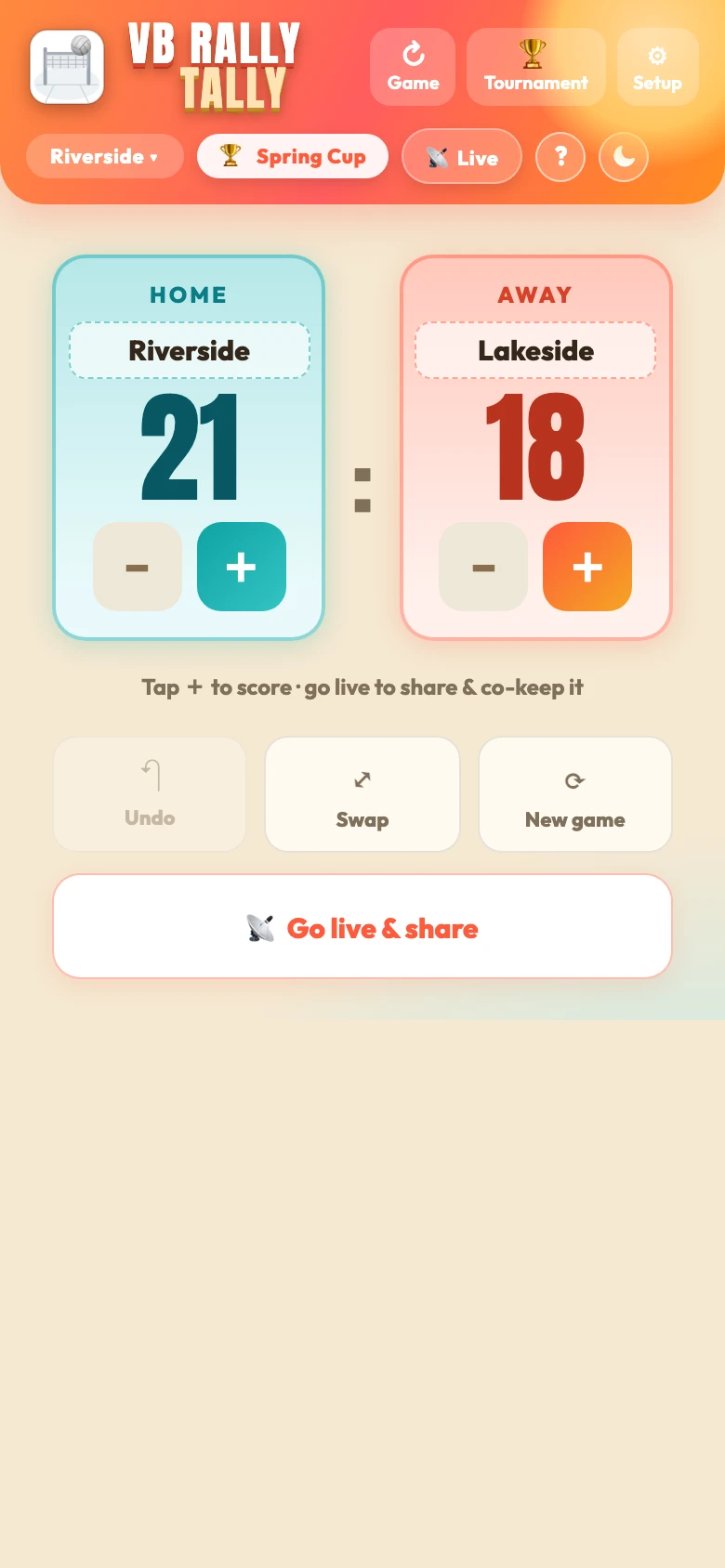
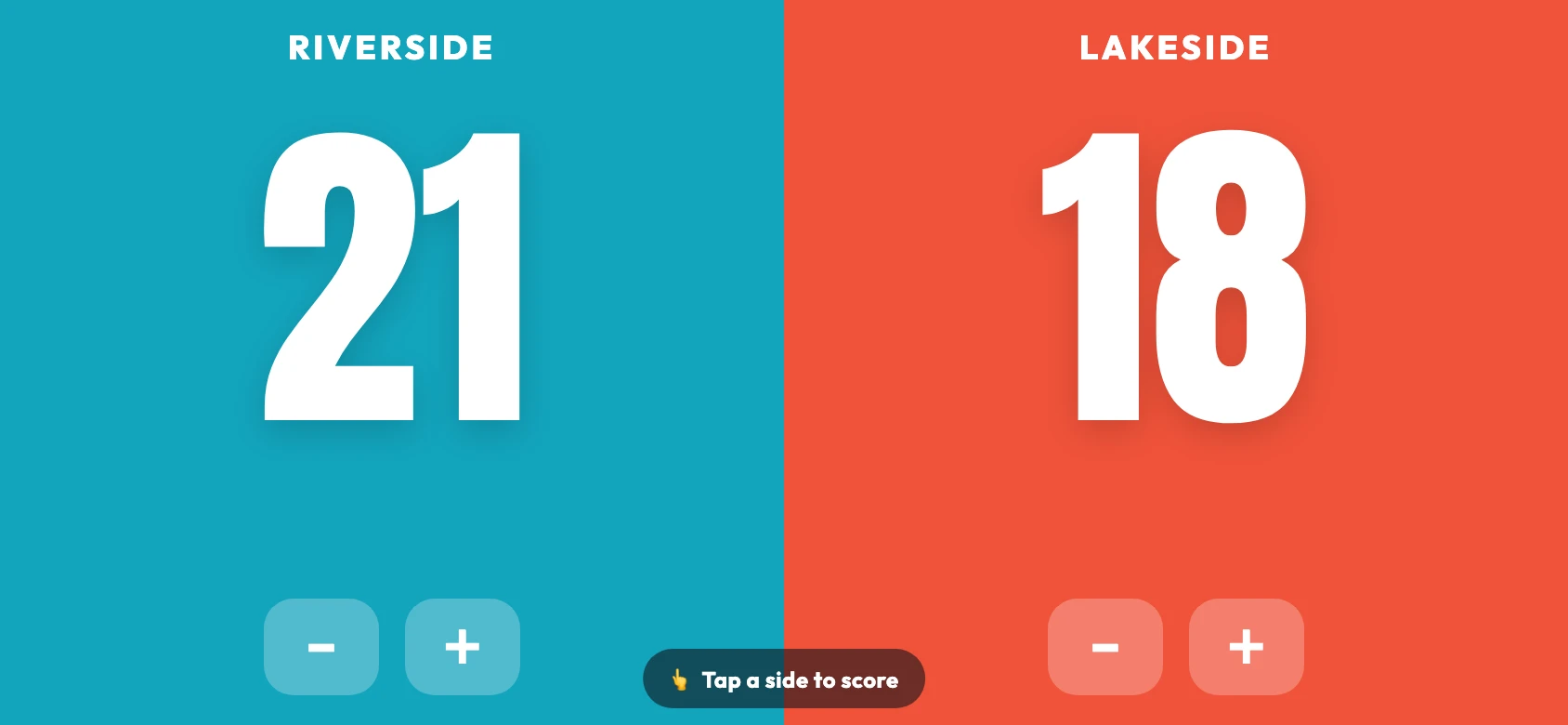
Switch to Score only and the app becomes a clean, sport-neutral scoreboard: two names, two big numbers, a tap to score. Turn the phone sideways and it fills the screen for the bench. Go live and others can follow along on a big screen, or keep score right alongside you.
Great for the bench, scrimmages, and pickup games.
Bench on the left, court on the right, your full 12-player squad in a single view. Set the starting lineup, keep an eye on play time, and pair two players to rotate them on and off together. Every sub is a swipe, and each player's stats follow them all season.
Everything you need to stat a team is free, with no ads and no account. One optional in-app purchase unlocks the power-user features.
No account, no ads, works offline.
Everything in Free, plus deeper season tools. A one-time unlock, restored on any device.
Pro is a one-time purchase, not a subscription. Prices may vary by region; the App Store shows your exact price.
VB Rally Tally is out for iPhone and iPad. Download it and start tallying in seconds: no account needed, your stats stay on your device, with optional cloud backup whenever you want it.
Yes. Rally Tally is built for the club season. Every match rolls up into tournament leaderboards and each player's lifetime career totals, so you can see how they're trending from game to game and season to season. Parents can follow the team all season in the directory and watch any game live, and you can export any game, tournament, or full season to CSV.
VB Rally Tally is free to download and free for everything you need to stat a team, with no ads and no account. An optional one-time Pro upgrade (US$9.99, not a subscription) adds full tournament and past-game history, player analytics, play-time tracking, and bigger rosters. Buy it once and restore it on your other devices.
Yes. The stat keeper taps Go live and shares a Watch link. Parents open it in Safari or any browser and follow every point in real time, with no app download, no account, and no code to type. They can even re-share the link with other family members watching from home.
Open the team directory and search for the team by name. Send a quick request with your name and how you're connected, and the stat keeper approves it. Once you're in, the team stays in your app all season: roster, every game, and lifetime stats, in a read-only view that updates automatically and works offline.
Watch is for a single live game: the stat keeper shares a link, you open it in a browser, no app or account needed. Follow is for the whole season: you find the team in the directory, the stat keeper approves you, and the team lives in your app with full game history and lifetime stats. Watch is quick and open; Follow is lasting and private.
Only people the stat keeper approves can follow a team, and they can approve or deny each request. Followers see names, jersey numbers, and stats, but player photos are never shared: faces stay on the stat keeper's device.
The Indoor app is built for 6-a-side: full rosters, substitutions, starting lineups, play time, and digs. The Beach app is tuned for 2v2 doubles: hold a player zone, drag the radial flick wheel to the stat (ace, block, side-out, or error), and lift — one motion per rally. It also has double-court mode to run two games at once, per-player stat boxes on every tile, and a 3-step setup wizard. Pick whichever matches how you play, or use both.
No. The app works right away with your teams and stats saved on your device, no sign-in required. If you'd like cloud backup, you can optionally sign in with Google or Apple, but it's entirely up to you.
Yes. VB Rally Tally is on the App Store for iPhone and iPad: download it here. BVB Rally Tally (beach) is also on the App Store: get it here.
Yes. After your first visit the app is cached on your phone and runs fully offline: perfect for gyms and beaches with no signal.
Any game, tournament, or full season can be exported to CSV with one tap, ready to open in Excel, Numbers, or Google Sheets.
Earned points are the good stuff your player creates: aces, blocks, and kills/side-outs. Given points are the ones handed to the other team through errors. Net Earned is earned minus given, so you can see real impact at a glance.
Yes. Tap any player on the Tournament, Session, or Lifetime list to open their card, with game-by-game history, a Net Earned trend per game (up, down, or steady), and quick insights from their record.
Stats live on the device where you tally them. Sign in with Google or Apple for optional cloud backup to keep them safe and sync them across your phones. If both a phone and your account already hold data, the app asks before it overwrites anything.
Yes. Tap Go live and share a co-scorer link: it hands scoring to a second phone. Only one person can score at a time, and there's no code to type. A separate Watch link lets everyone else follow along in read-only mode.
Spotted a bug or have an idea? Send a note. Name and email are optional: add an email only if you'd like a reply.
 Rally Tally